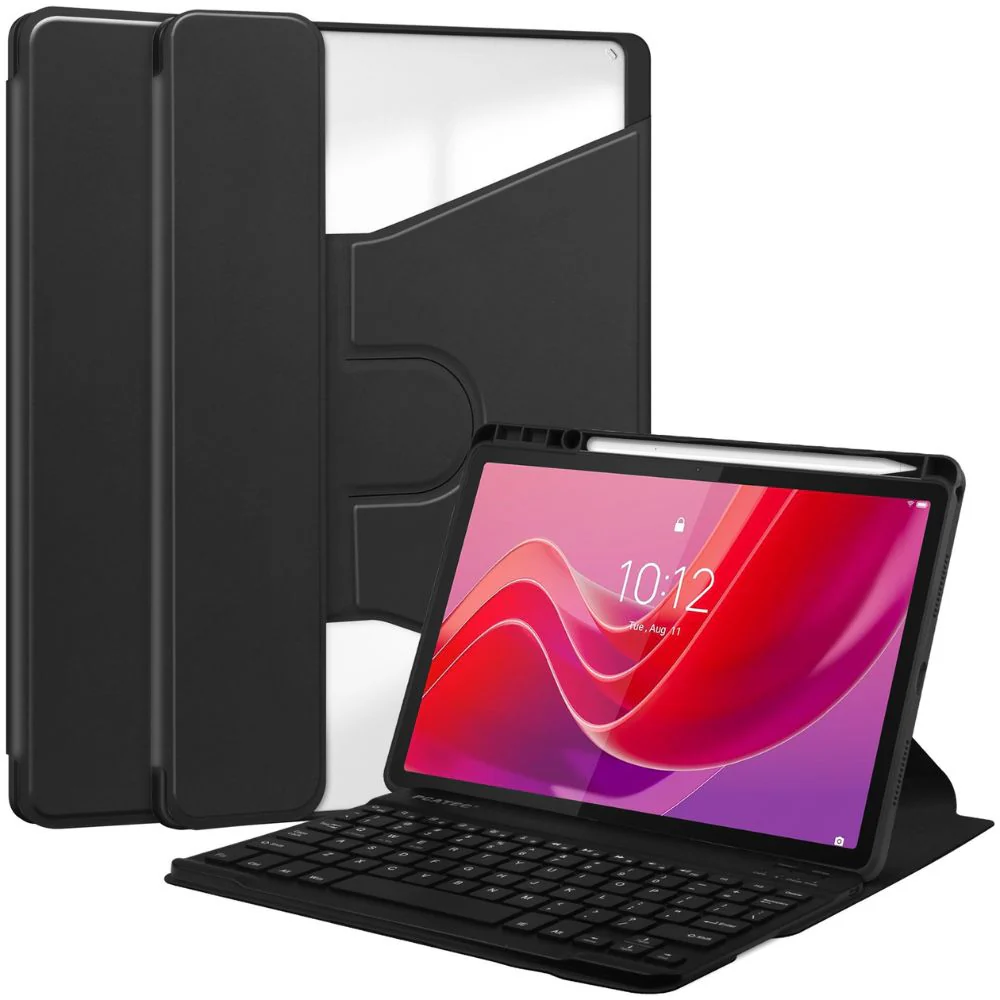
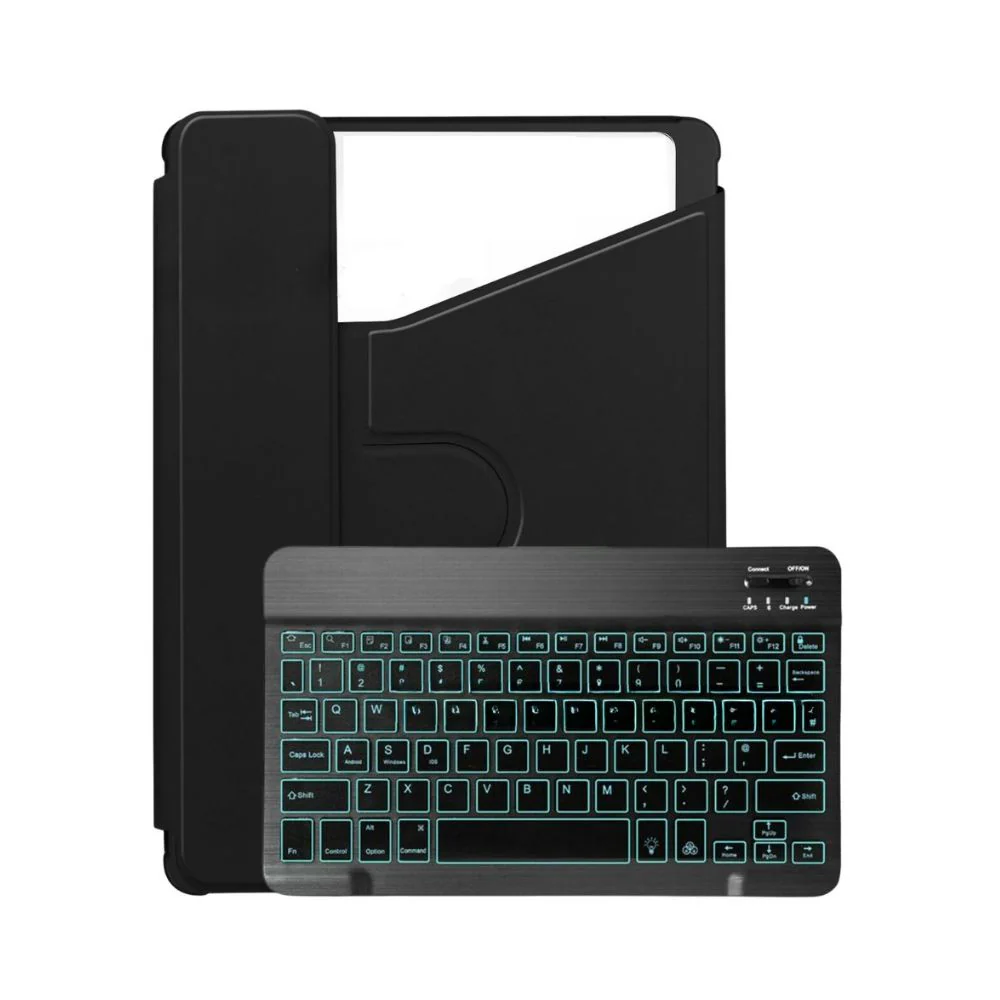
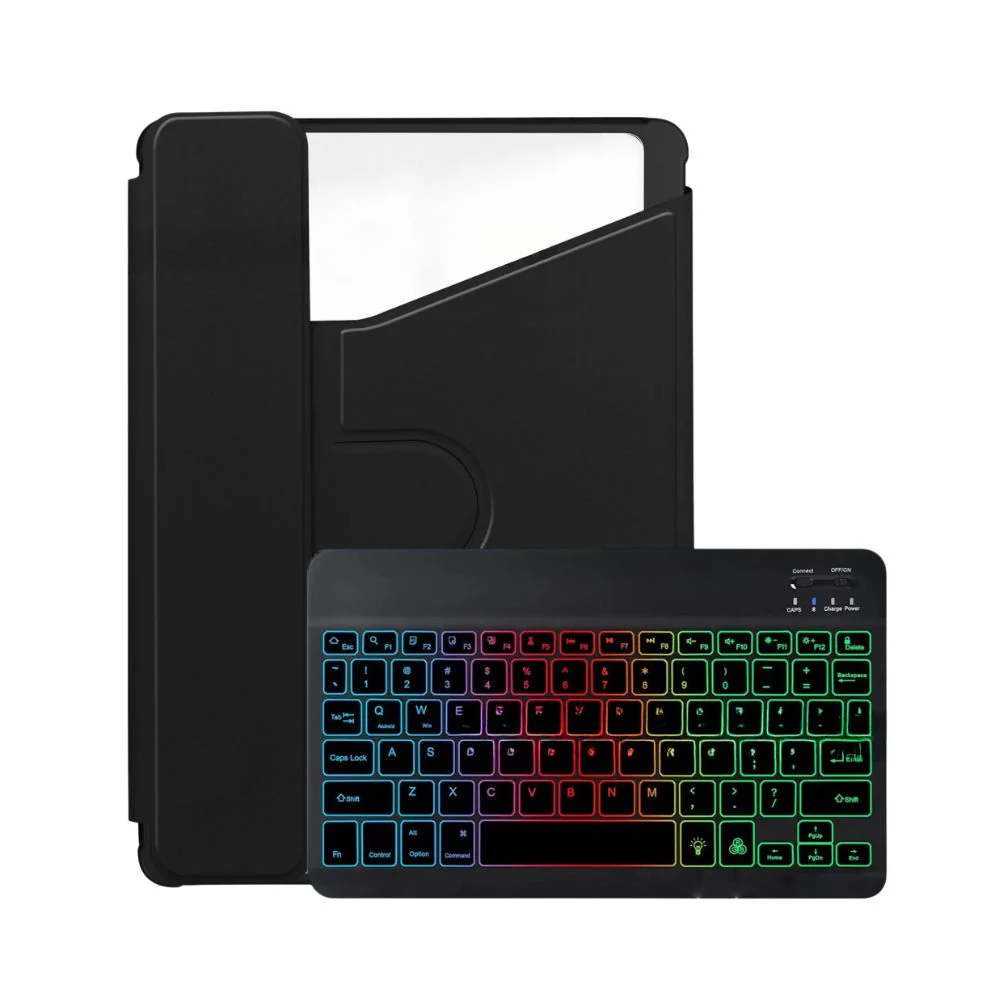
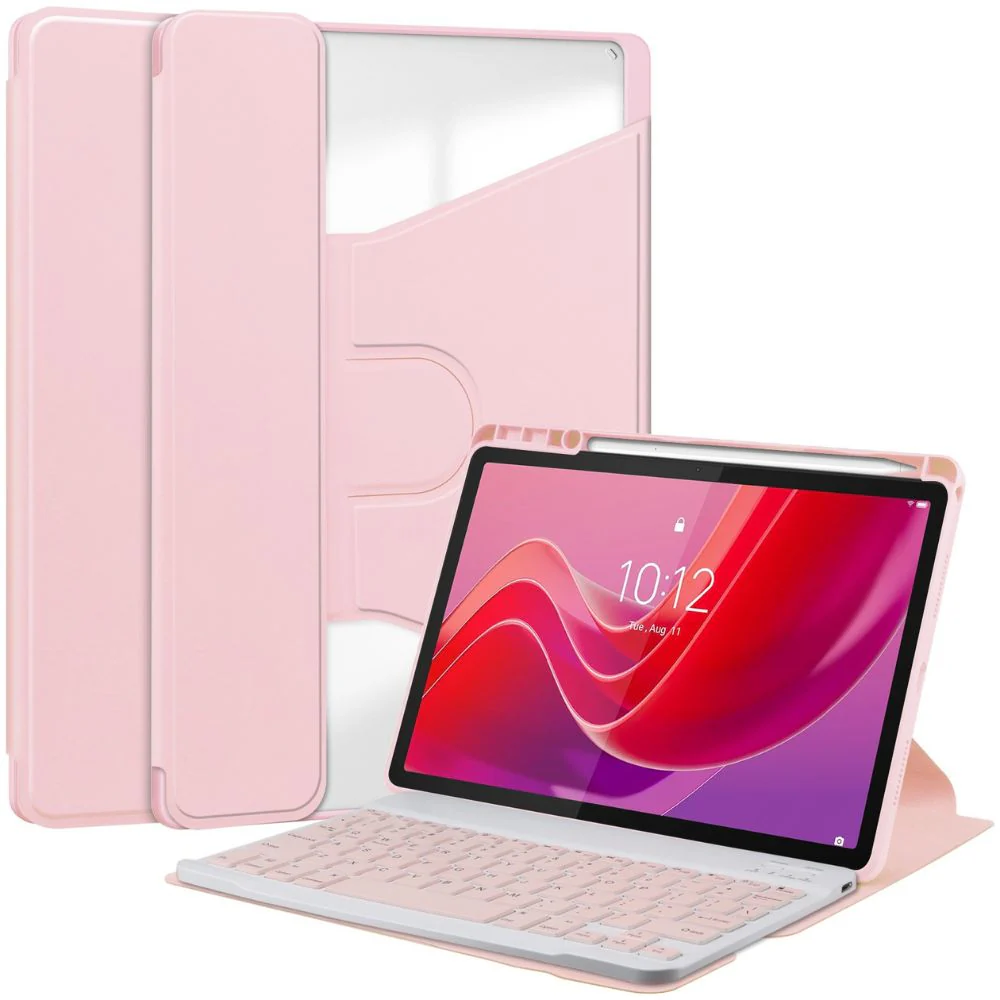
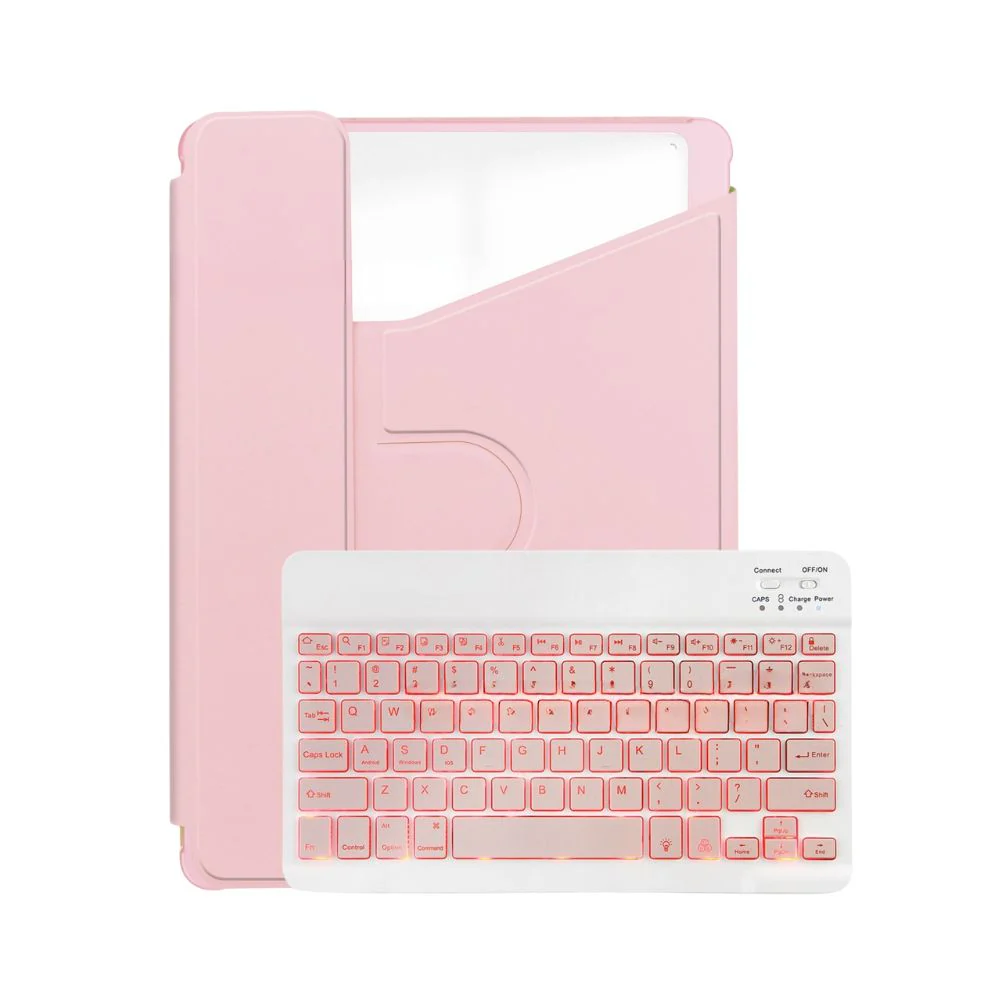
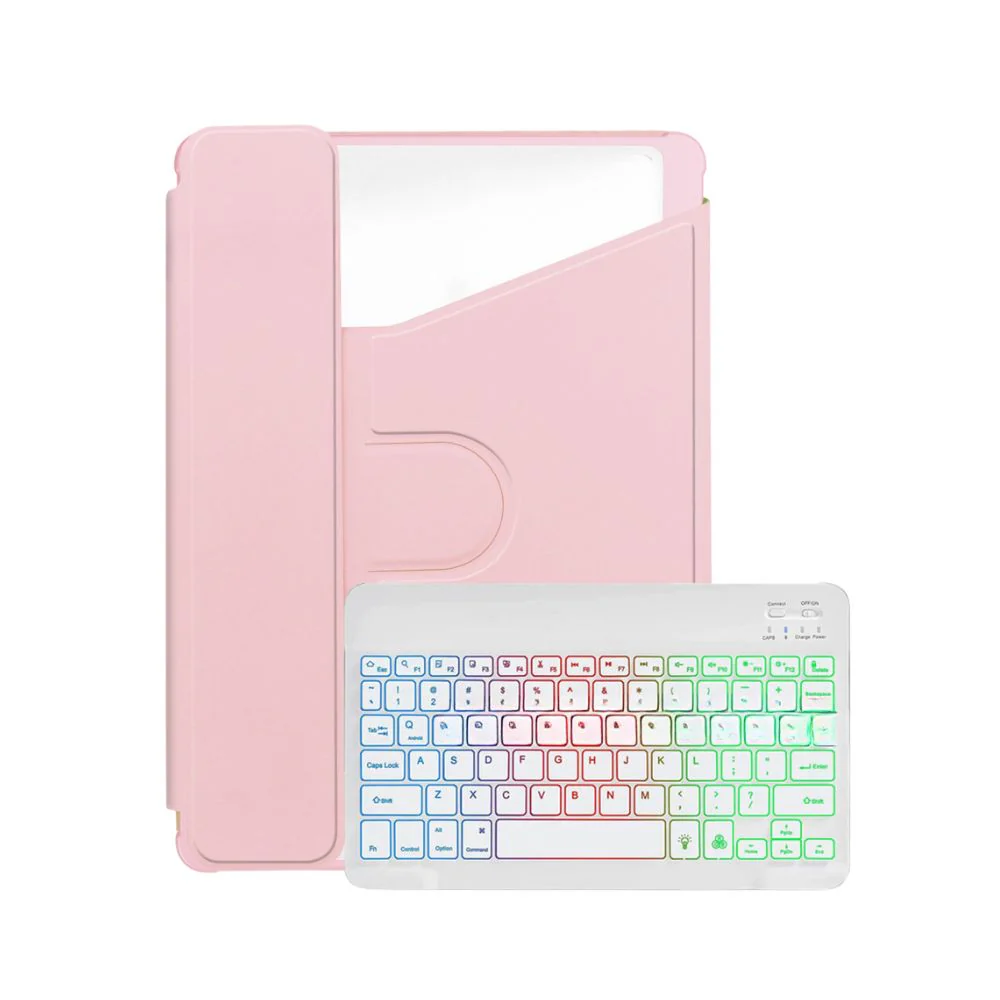
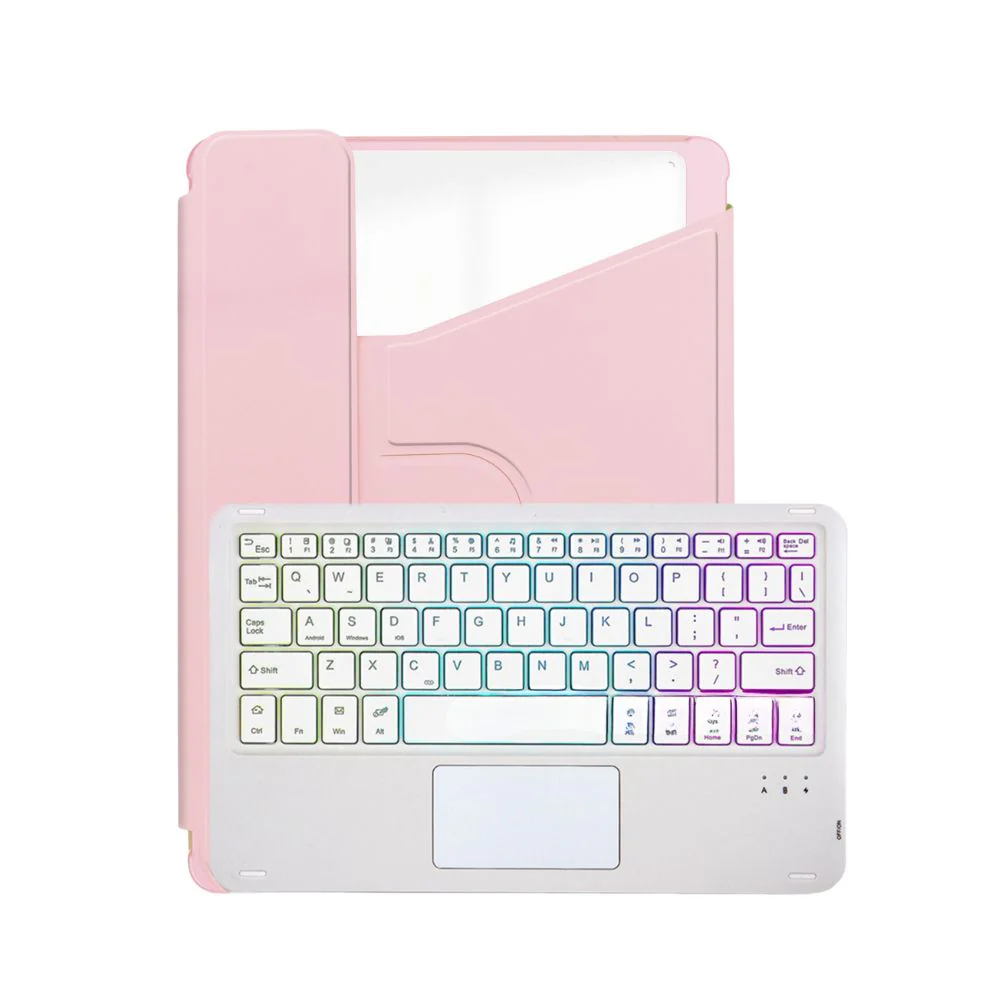
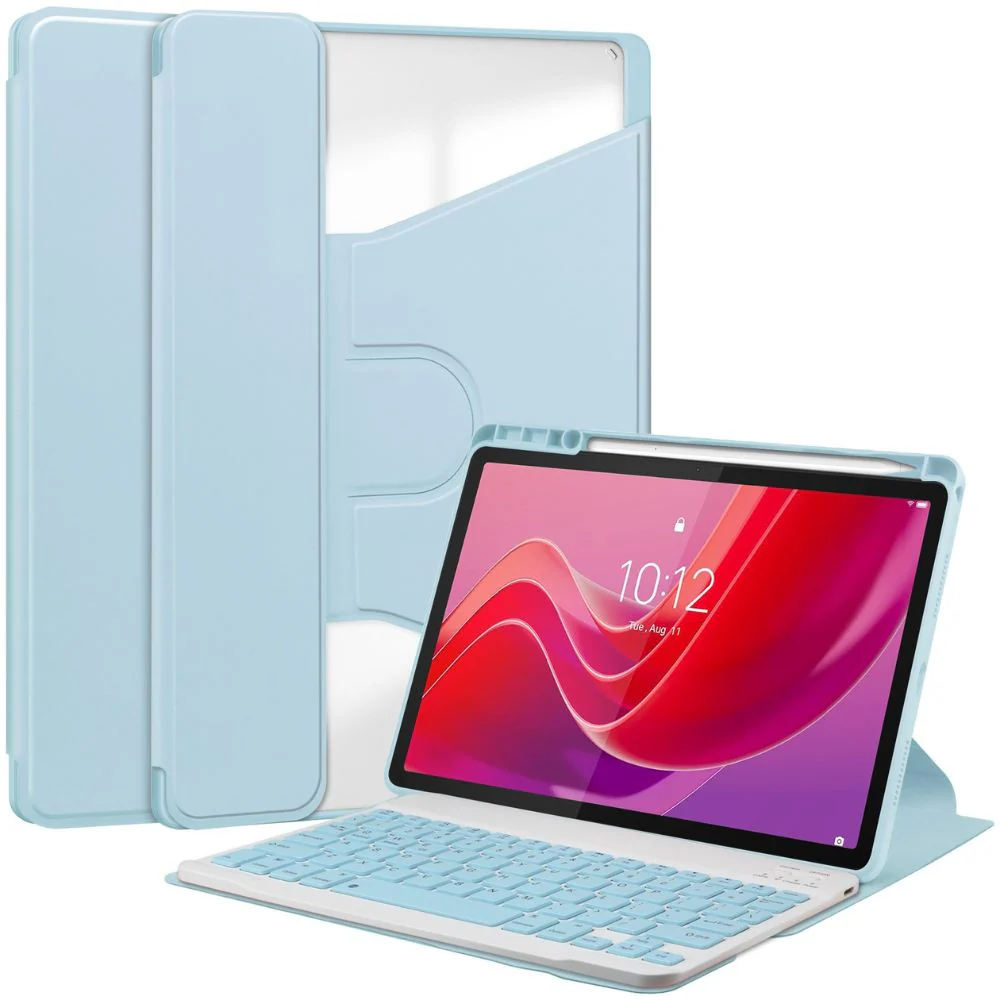
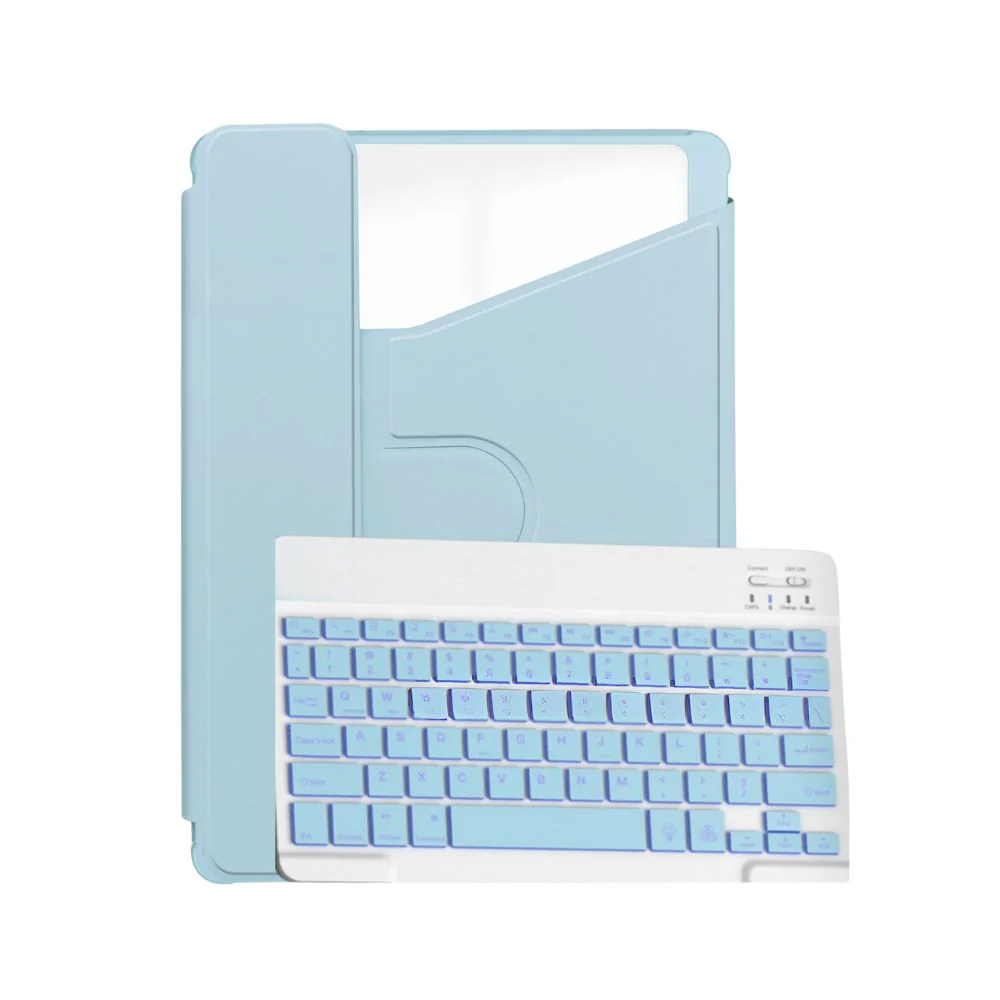
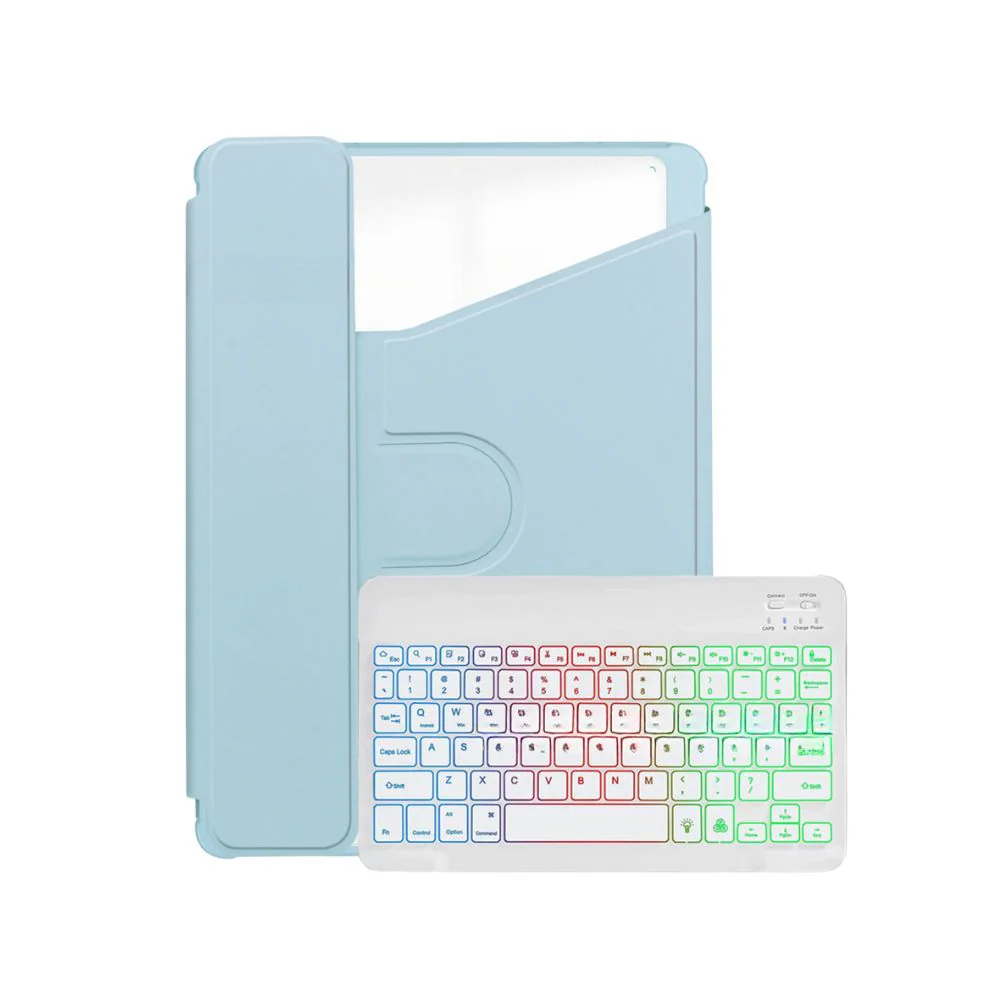
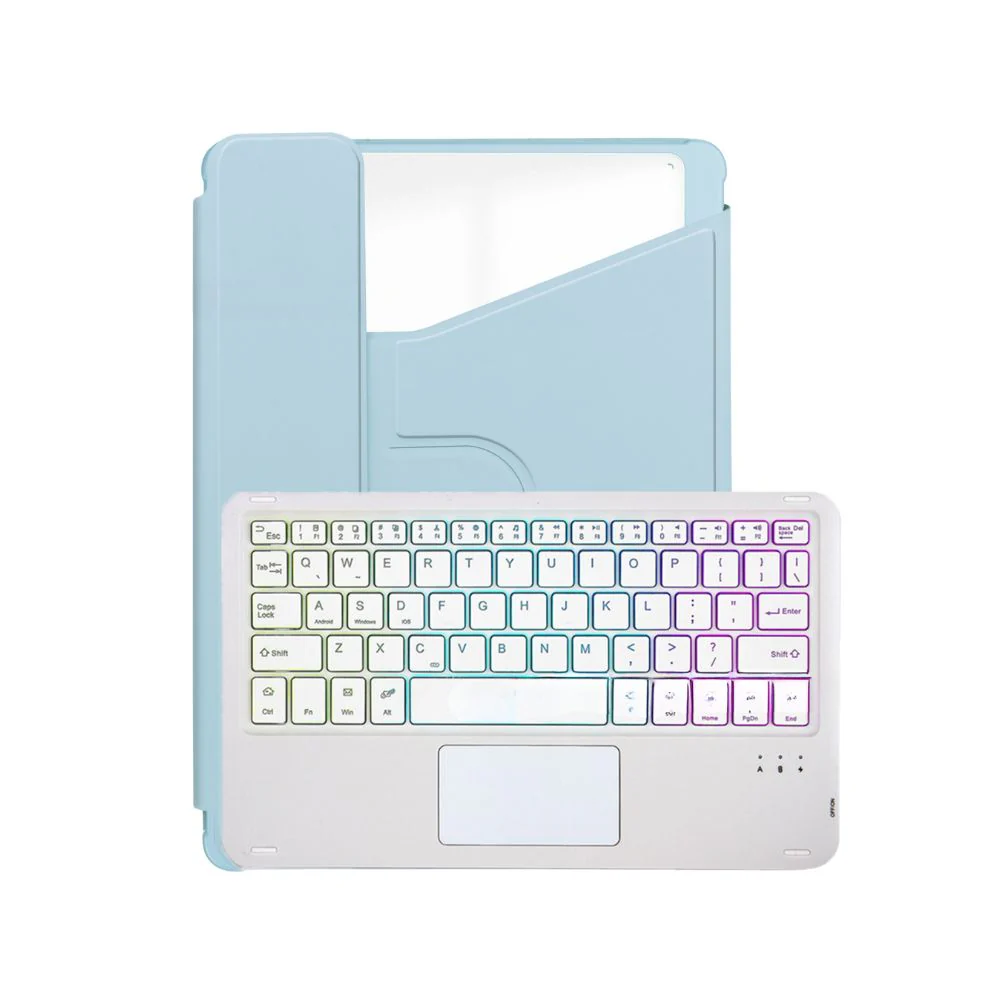
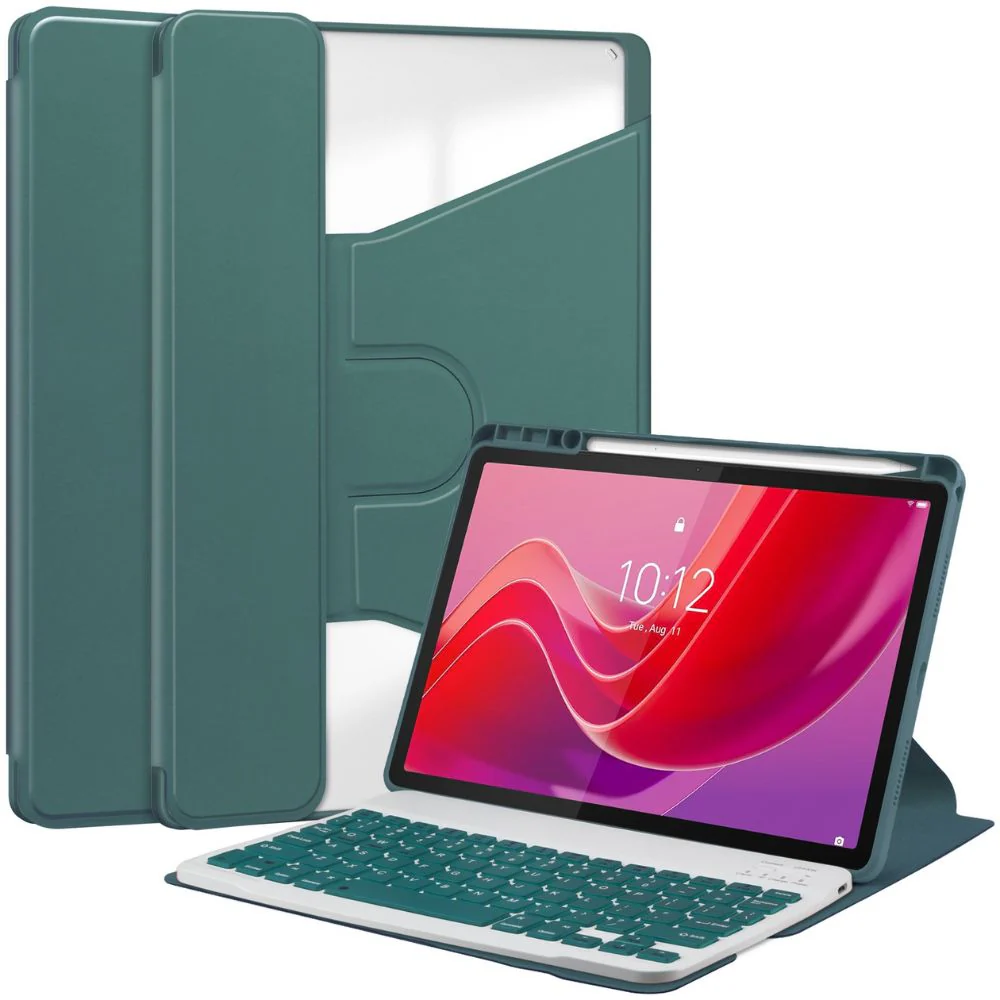
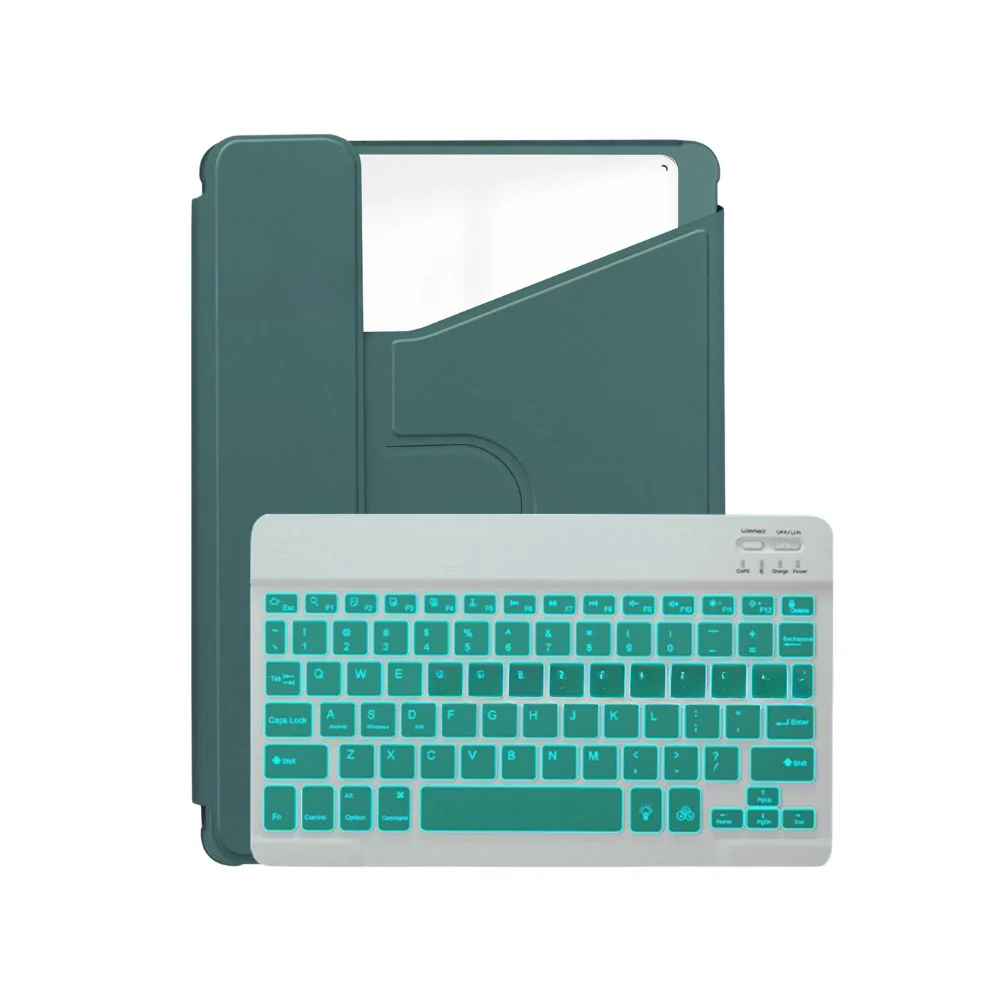
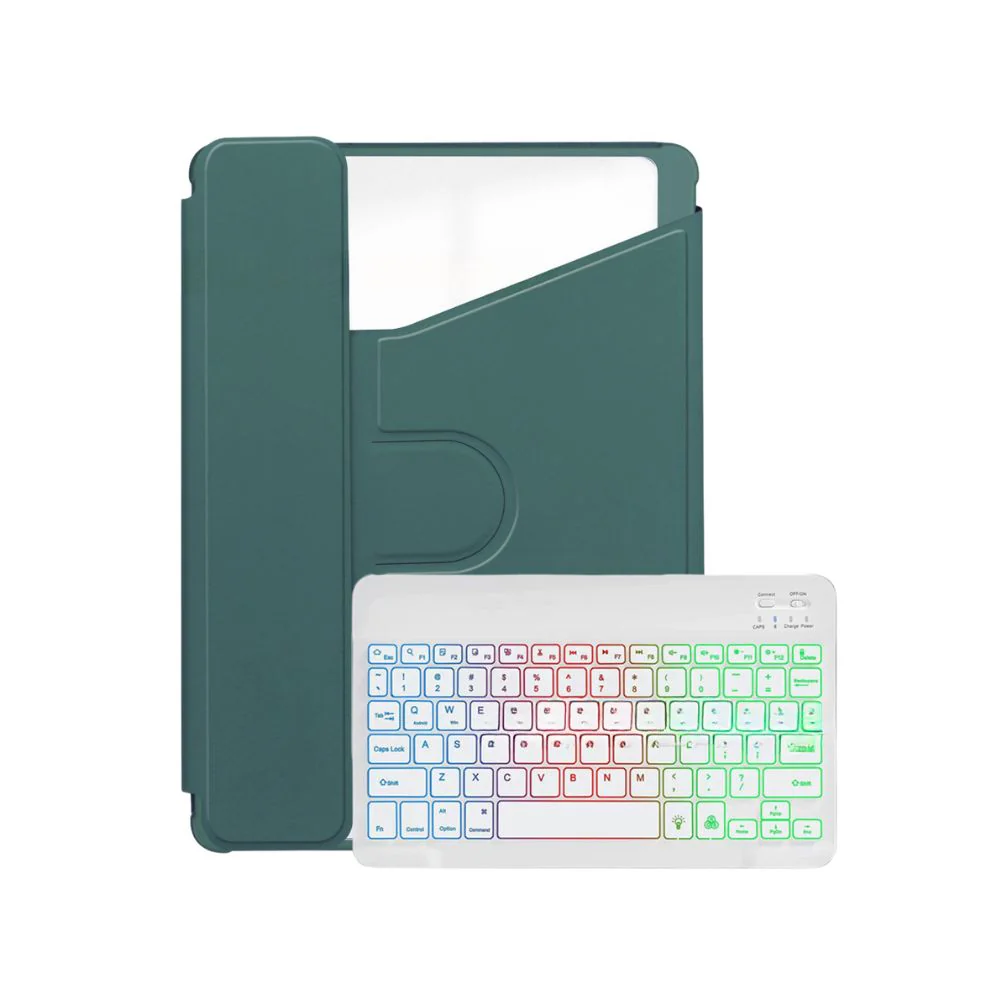
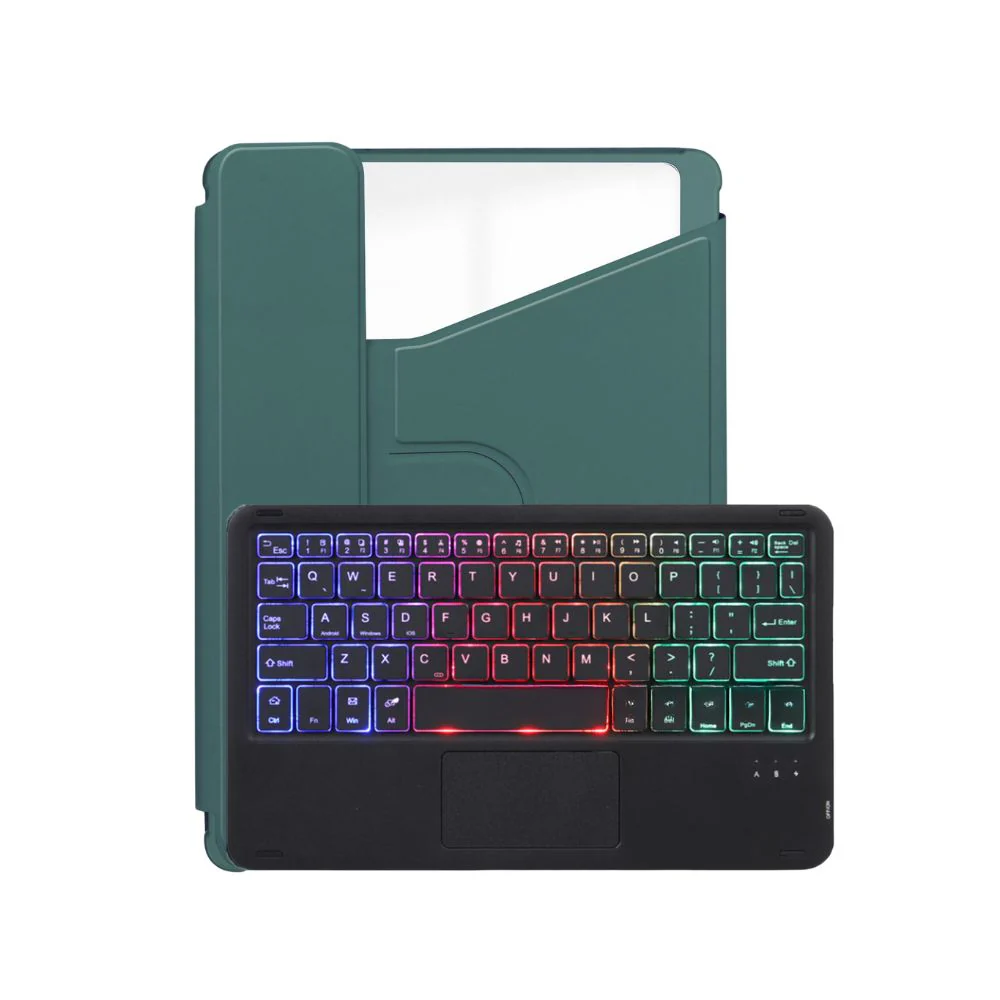
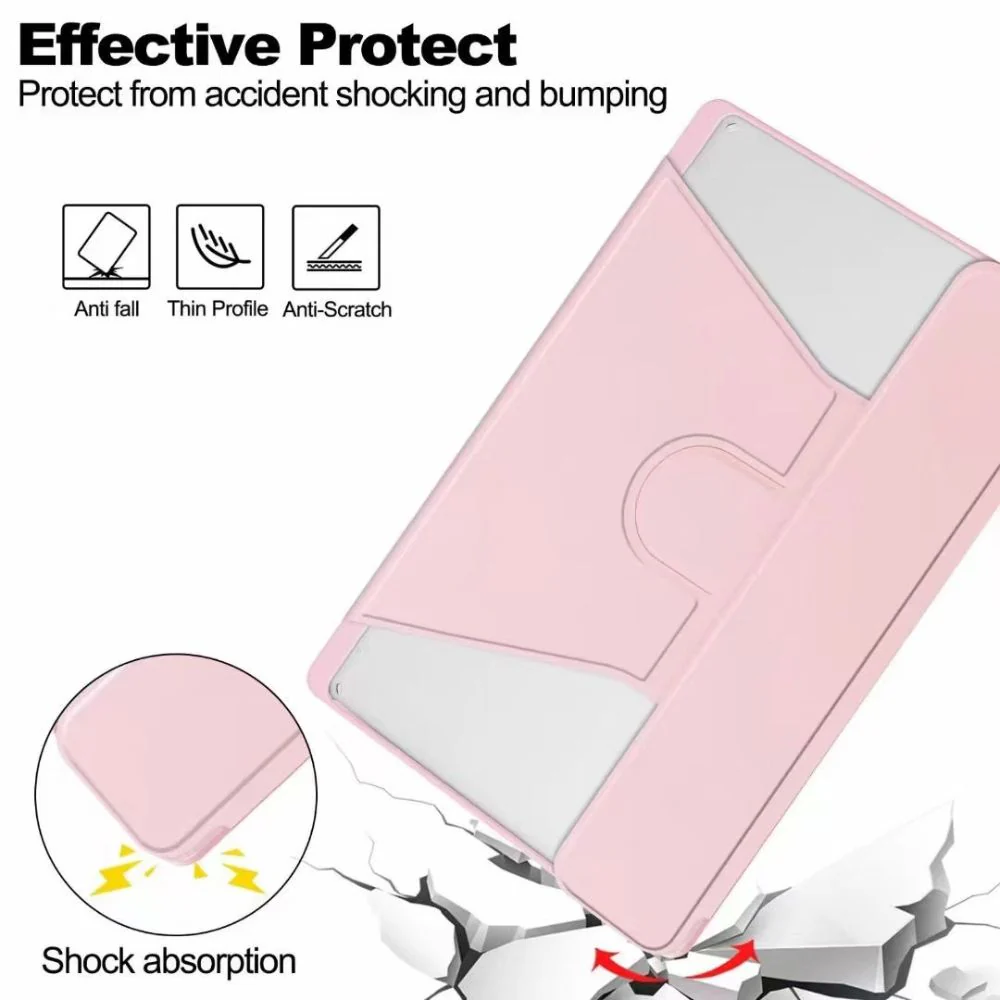
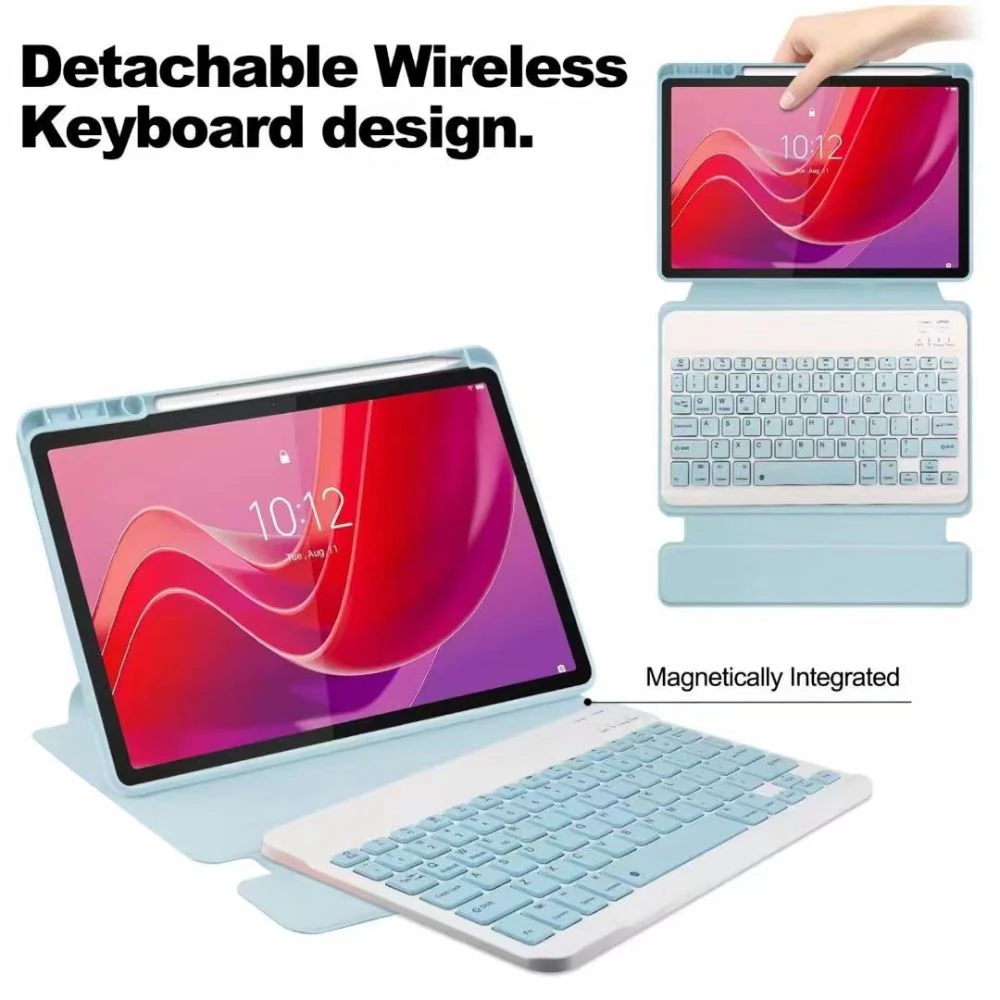
Keyboard Layout: US
Compatible with:
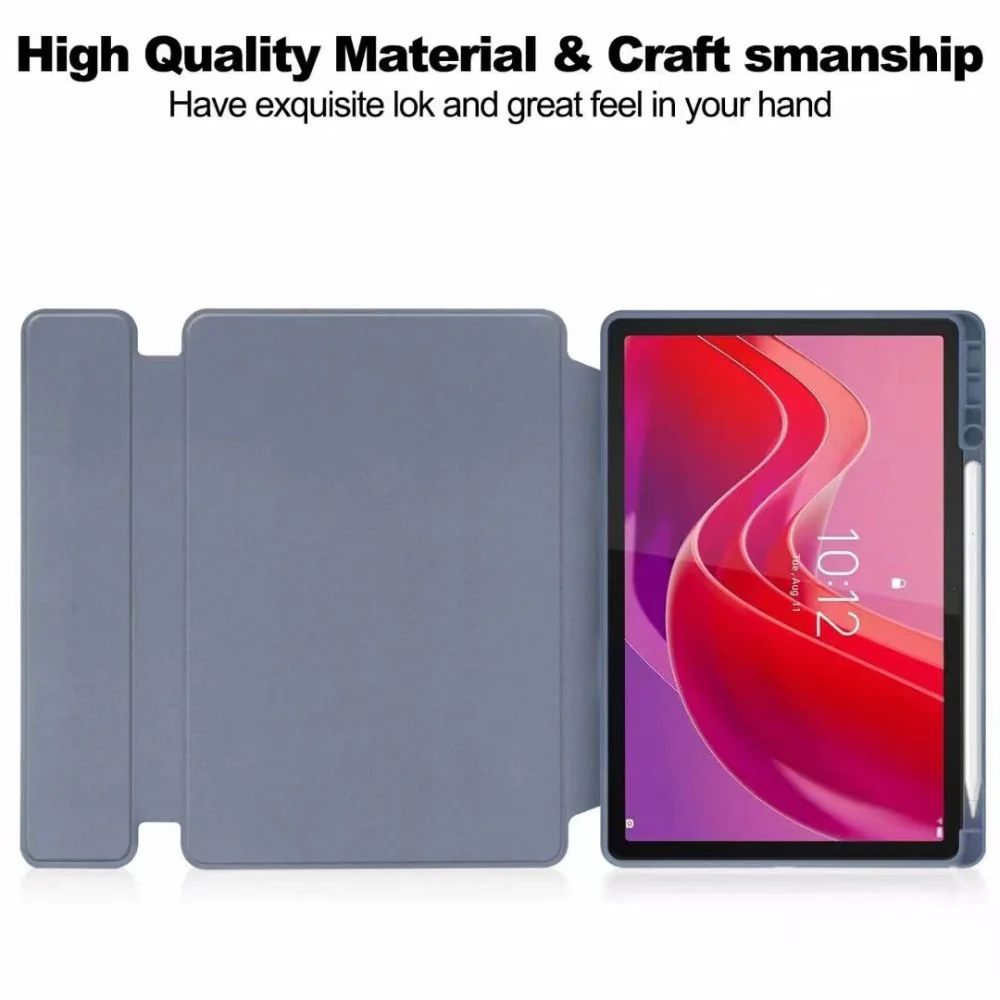
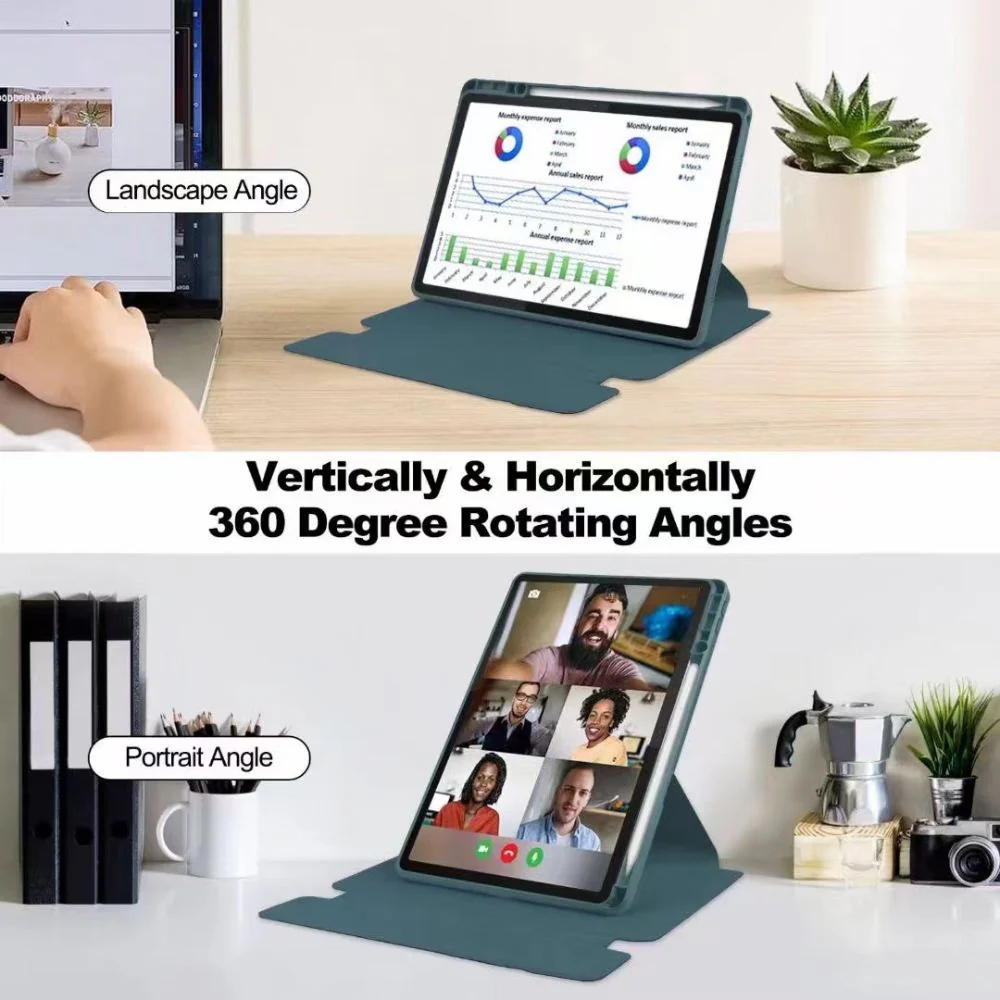
Lenovo Tab M11 11.0" 2024 (TB-330XU)
Lenovo Tab M11 11.0" 2024 (TB-330FU)
First Time Use Pairing Steps:
- Turn on the power switch.
- Press the "connect" button to enter the pairing mode.
- On your tablet, open the Bluetooth settings and click on the option to pair with the device.
- To switch the input method, use the "shift" key. For operations like selecting all, copying, and pasting, use the combinations "control + A/C/V".
- Press "fn + C" to activate the function keys.
- If you want to connect a mouse: