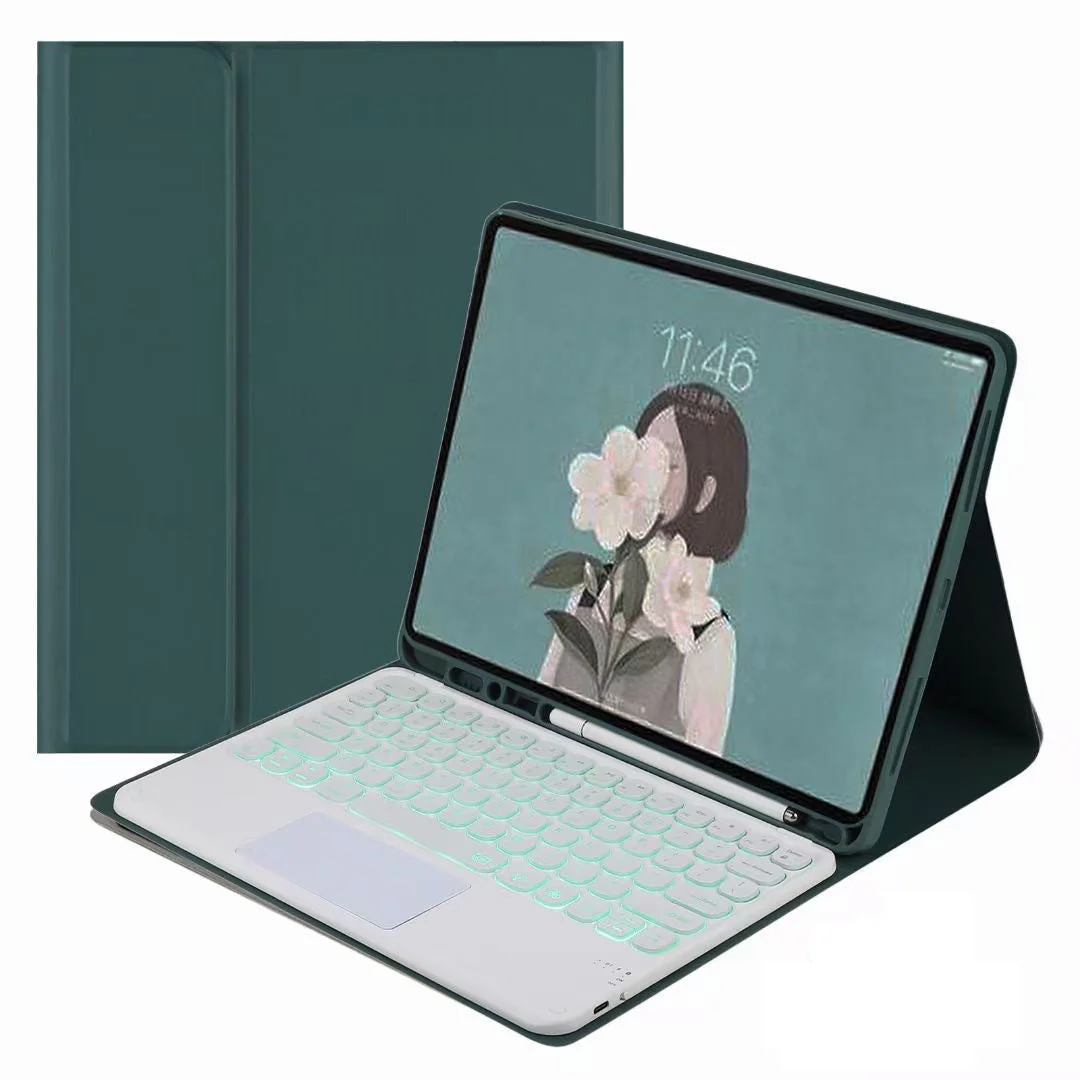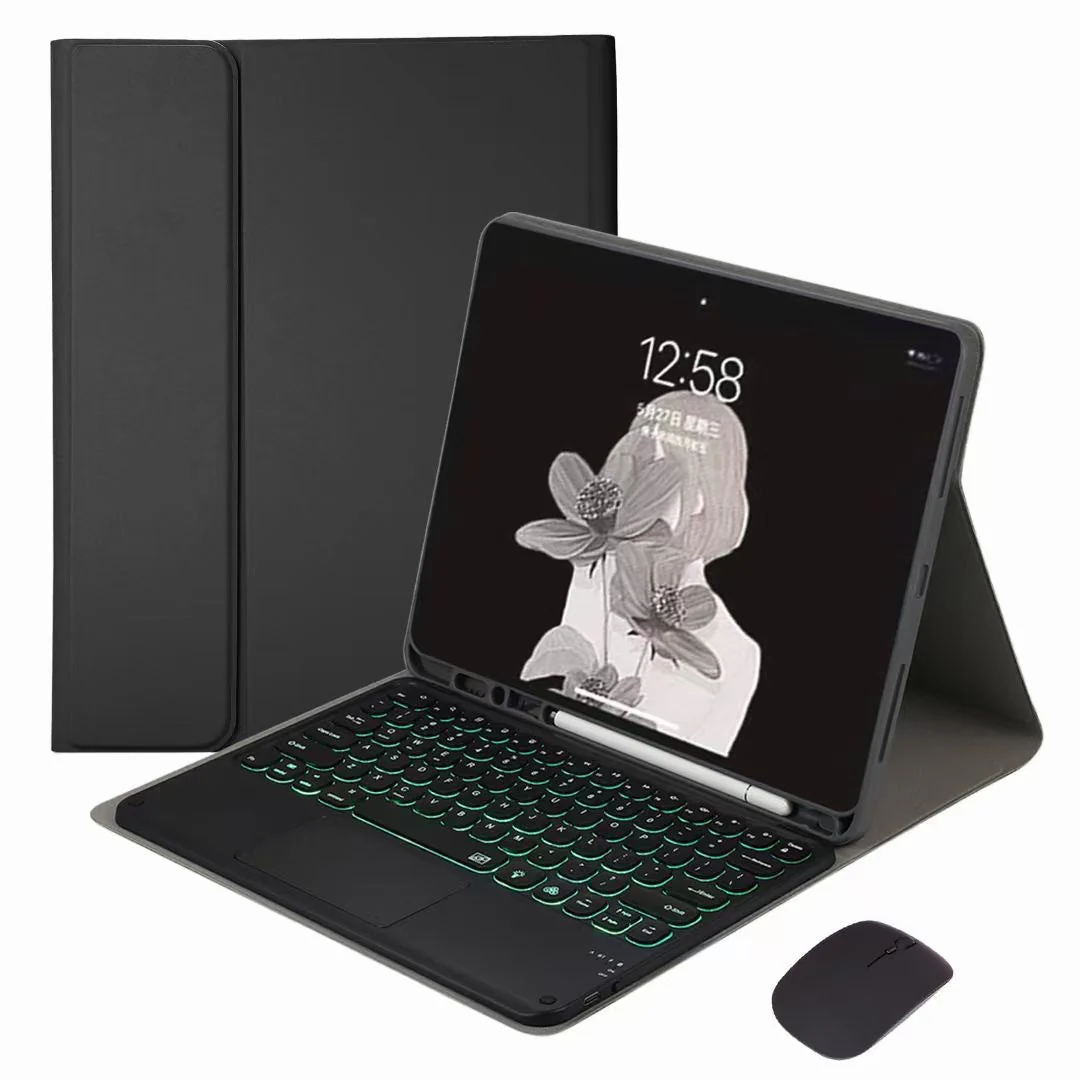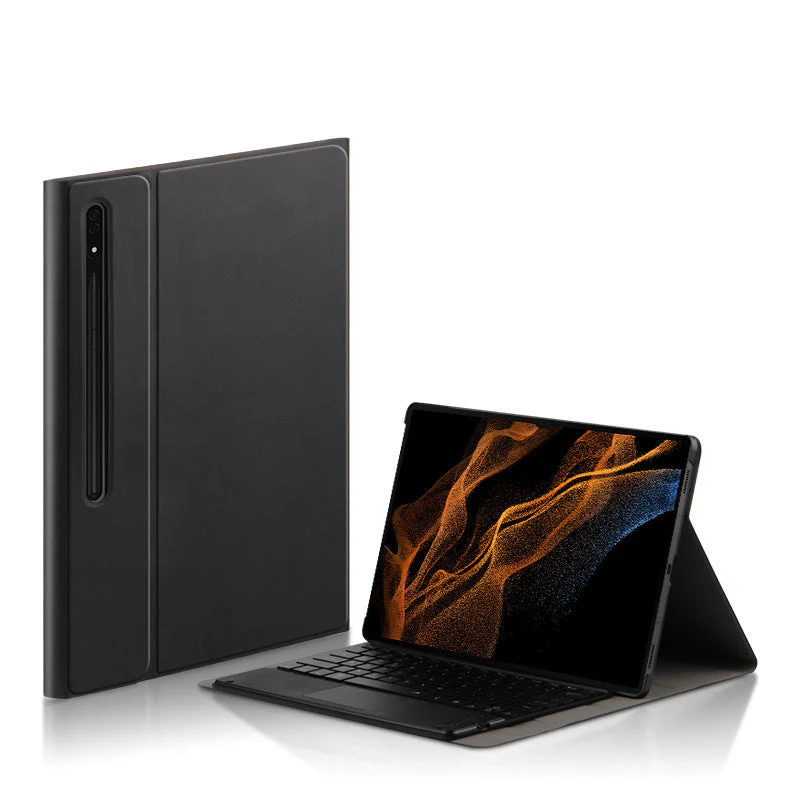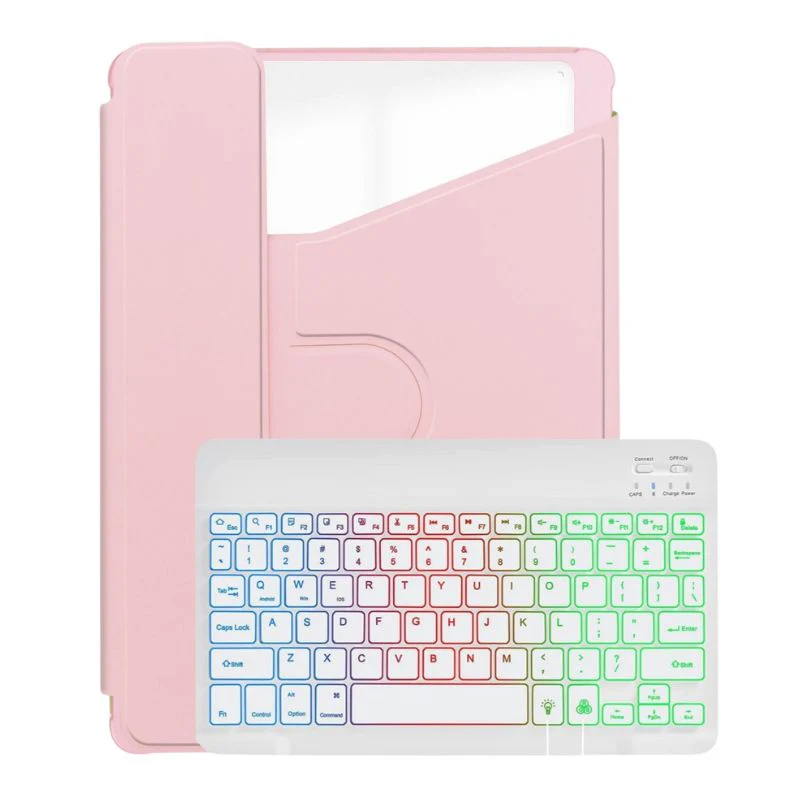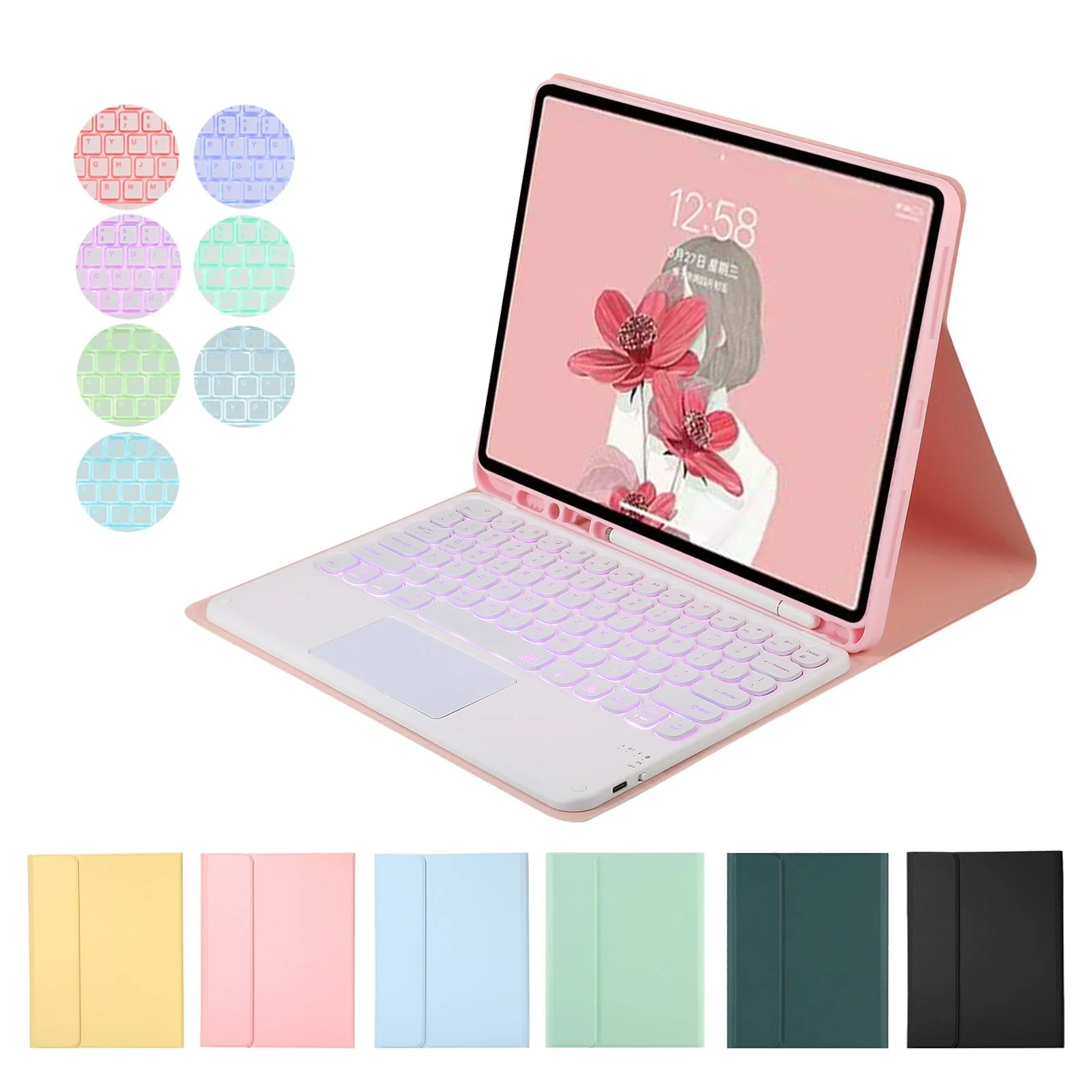
First Time Use Pairing Step
- Switch Side Power Button to "ON" position.
- Press Button FN & "C" (connect button) at the same time for 1 second
- Right Hand Signal Blue Light flashing
- Go to Setting - Bluetooth - Turn On Bluetooth
- Find "Bluetooth Keyboard" option - Press and wait for few seconds to be connected